-
Automatic Document Capture
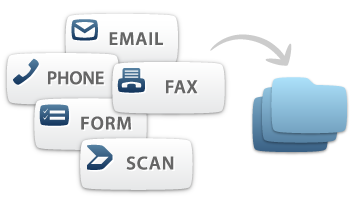
Automatically capture documents from multiple channels right into your system
FileChoice delivers scalable capture functionality that allows your team to productively and cost-effectively work with imported files already in the system anytime, anywhere. Your files are centrally stored and can be retrieved at your convenience. Create in Microsoft Word and save right into the system.
-
Advanced Imaging
Convert documents into electronic files and eliminate the paper burden
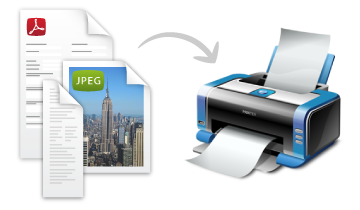
The document imaging feature coverts paper documents into digital format so you can organize, easily work with and search for the necessary files. You can scan and automatically categorize documents in the system as well as have them centrally stored for easy access from any location.
-
Manual Upload
The information you need, under your fingertips
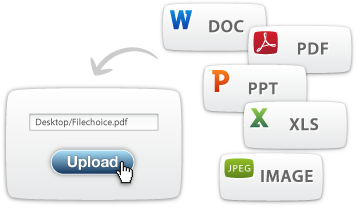
The wealth of features in FileChoice will free your team from chasing paper files. Central document management system keeps track of your documents and delivers them upon request, reducing the number of repetitive tasks and improving process efficiency.
-
Create and Index with Dynamic Folders
Easily configure electronic folders for your document handling needs
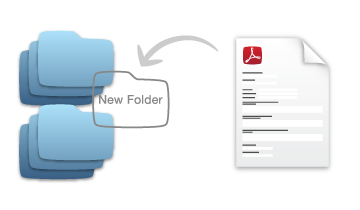
Utilize folders with their own unique attributes to categorize all sorts of files, like claims, forms, emails, data sheets, reports and etc. Quickly configure the folder index fields and types of documents to automate document organization.
-
Auto Index
Streamline document indexing
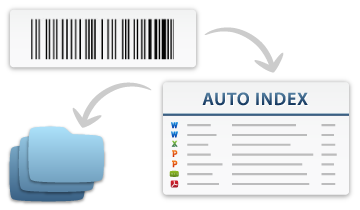
Your files will automatically be organized in the system based on the determined, by you, properties to match dynamic folders. The system uses Barcodes and OCR technology to help with tagging files and designating them for specific folders.
-
Index Thtough TAGs
Direct your document path
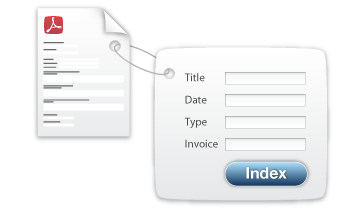
Give each document you upload “meta-information” based on the type of documents or information it contains. Enforce a strict convention on what index information is required for each document for more precise sorting and quick searches.
 Capture
-
Easy Create/Configure Workflows
Automate, integrate and manage business processes
Flexible workflow integrates all enterprise systems to efficiently manage an organization’s entire business process. Have the workflow handle documents automatically, route files and notify users of upcoming or overdue tasks. Modify workflow rules and steps quickly whenever you need, without having to use programming.

-
Routing Rules/Notifications
Setup document rules and routes
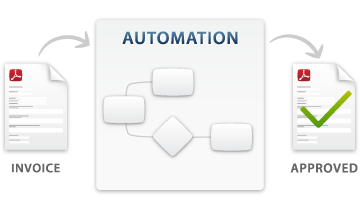
Automatic routing and management of information aligns critical content with core processes, streamlines work steps and improves communication. The system routes data for review based on rules and notifies users of pending documents.
-
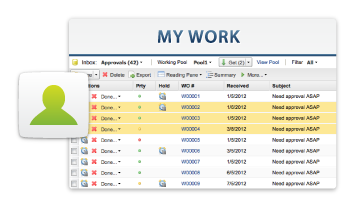
Dynamic Client Inbox
Active workspace and dashboard
The Dynamic Client Inbox serves as a dashboard allowing users to see what's currently happening with their tasks and to-do's. Here users can also prioritize activities, view messages and document timetables as well as quickly access and review important files.
-
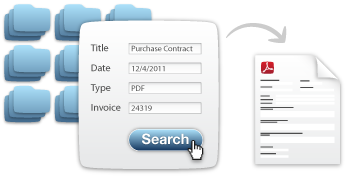
Search Through Dynamic Folders Fields
Quickly find documents
Find and access what you are looking for in seconds. Each user has specific document clearance and security standards. Search for documents based on the document type, index fields, or other information like when an items was created or last modified.
-
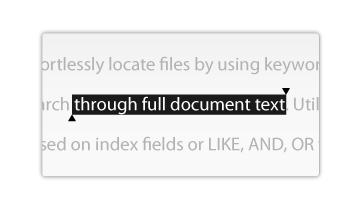
Full Text Search
Specify your search to the word
Effortlessly locate files by using keywords and having the system search through full document text. Utilize advanced search options based on index fields or LIKE, AND, OR functionality to get specifically what you want.
-
Check In/Check Out
No more redundant work or missing versions
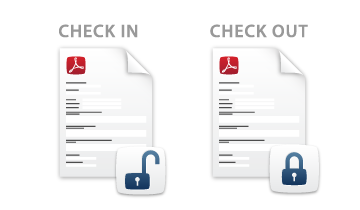
Users can check out files for working with or editing documents, creating new versions and reviewing previous versions. The system provides version control and guided collaboration. Users can always revert to previously saved documents and track changes.